Free RA Bill Generator — Running Account Bill Format
Fill your BOQ line items, this-bill and up-to-date quantities, then add GST, retention and advance recovery. The tool calculates the net payable for this RA bill and gives you a clean, printable format.
Privacy: your bill is generated in your browser. Nothing is uploaded.
Download the free Contractor Material Tracker Google Sheet
Open the Google Sheet, then click File → Make a copy to save it to your Drive — free, no signup. It auto-calculates so you never re-type.
Download Free Google Sheet Template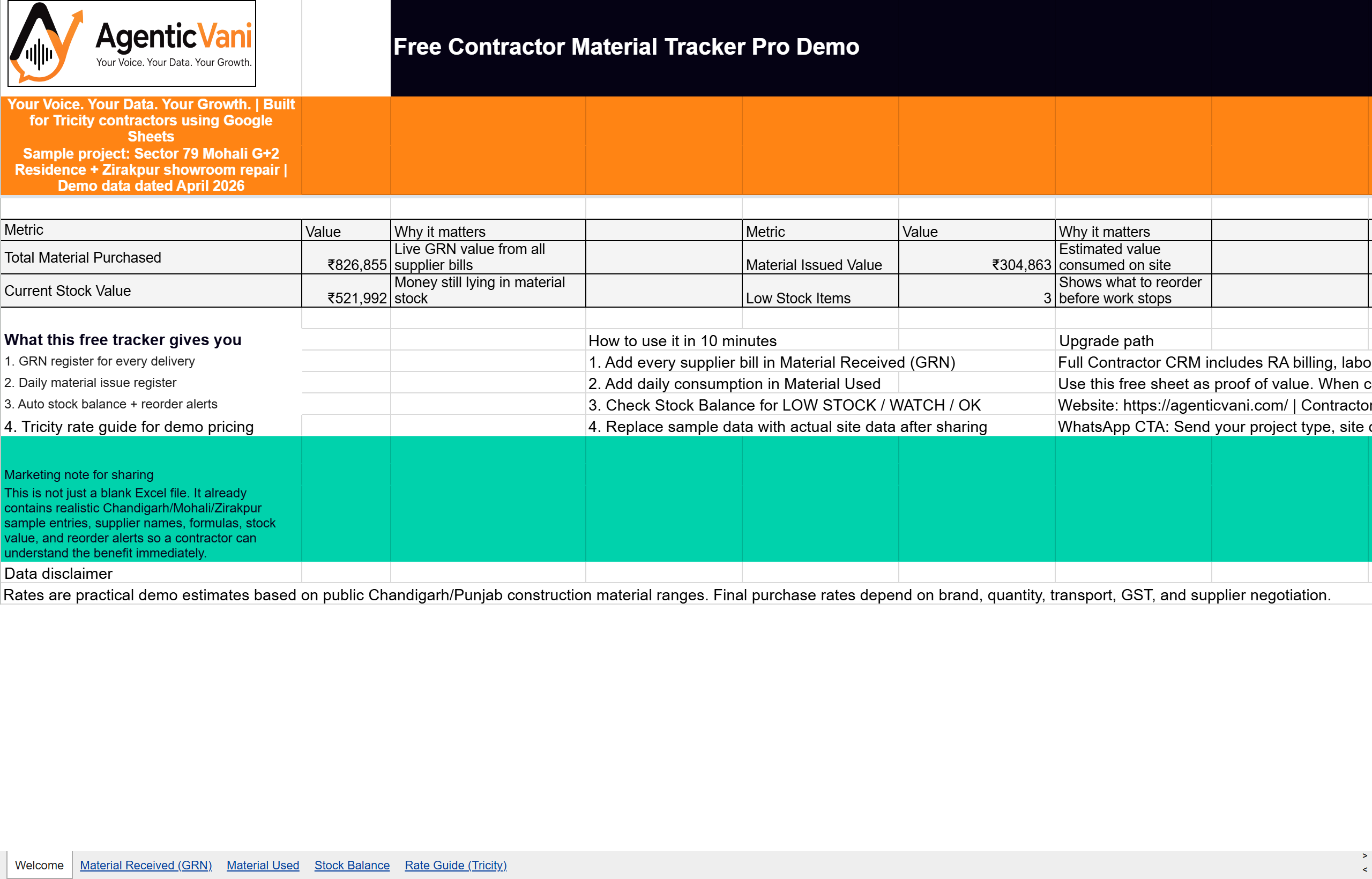
Run every project's bills, BOQ and labour in one place
The Contractor Software handles BOQ, RA bills, material GRN, labour muster and an EVM dashboard. Free plan forever.
What is a Running Account (RA) bill?
On long projects a contractor is paid in stages as work progresses. Each interim payment is claimed through a Running Account bill, which shows the total work done up to date, subtracts what was already paid in previous bills, and claims the difference for the current period.
Getting the previous-vs-up-to-date quantities right is what makes RA bills slow and error-prone by hand. This generator does that subtraction for every line item automatically.
Standard RA bill format in India
A typical RA bill lists each BOQ item with unit, rate, up-to-date quantity and amount, then applies GST, deducts retention/security (often 5–10%), recovers any mobilisation advance, and subtracts the total of previous RA bills to arrive at the net payable now.
This tool follows that structure so your bill matches what clients, PMCs and government departments expect.
Related: read our RA bill / GST billing feature or see the full see contractor software.
FAQ
What is an RA bill?
A Running Account bill is an interim payment claim on an ongoing project. It totals work done up to date, deducts previous payments, and claims the balance for the current period.
Does it handle GST, retention and advance?
Yes. Add a GST percentage, a retention/security percentage and any advance recovery — the tool computes the net amount payable for this RA bill.
Is the format accepted by clients and departments?
It follows the standard Indian RA bill structure (BOQ item, unit, rate, up-to-date quantity, amount, deductions, net payable). For tender-specific formats, the Contractor Software supports custom templates.
Can I get an auto-calculating Google Sheet version?
Yes — ask for it on WhatsApp. It auto-fills previous quantities from your last bill so each new RA bill takes seconds.
There is a CRM app too
This tool is free and always will be. When you want the same work to happen on its own — every day, for every customer — that is what the app does.
Bolkar bill banao
Say the bill out loud in Hindi, English or a mix, and the app writes it. Nothing to type at a busy counter.
Hinglish mein poocho
“Is mahine kitna kamaya?” — ask your own records a question and get the real figure, never an invented one.
Sheet apne aap backup
The app still backs up to a Google Sheet in your own Drive, every day. You never lose the spreadsheet you trust.
Free plan forever. Voice control and Ask AI are on the paid plans, which start with a 30-day free trial — no card needed.